
Text Inputs
Transform simple text collection into powerful, intelligent input experiences with Filament's comprehensive text input component. From basic string capture to sophisticated validation, dynamic masking, and smart autocomplete, Filament's TextInput component provides everything you need to create forms that feel intuitive and professional. Whether you're building contact forms, user registration, or complex data entry interfaces, these text inputs adapt to your needs while maintaining consistent styling and robust validation throughout your application.
# Basic text input with validation
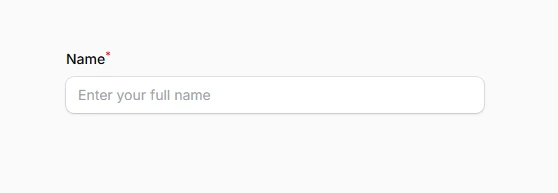
Start with the foundation of all form interactions - a clean, accessible text input that automatically handles validation, error states, and user feedback. Perfect for names, titles, descriptions, and any general text data with built-in length validation and real-time feedback.
use Filament\Forms\Components\TextInput;

TextInput::make('name')
    ->required()
    ->minLength(2)
    ->maxLength(255)
    ->placeholder('Enter your full name')
# Input type variations
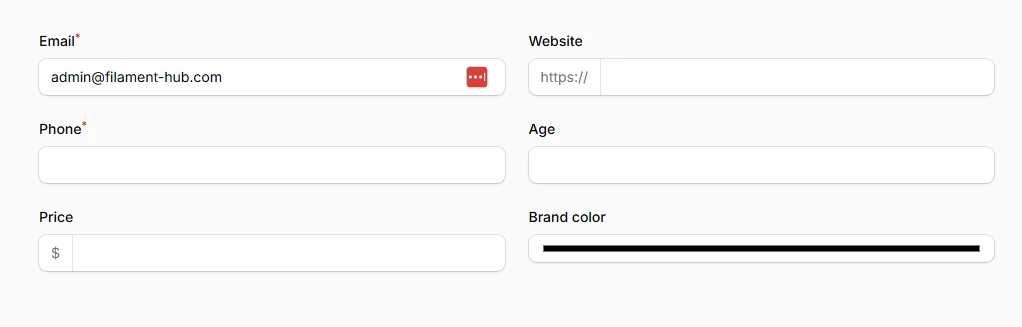
Leverage HTML5 input types with automatic validation for common data patterns. Each type provides appropriate keyboard layouts on mobile devices and built-in browser validation for email addresses, URLs, phone numbers, and more specialized inputs.
TextInput::make('email')
    ->email()
    ->required(),

TextInput::make('website')
    ->url()
    ->prefix('https://'),

TextInput::make('phone')
    ->tel()
    ->required(),

TextInput::make('age')
    ->numeric()
    ->minValue(18)
    ->maxValue(120),

TextInput::make('price')
    ->numeric()
    ->step(0.01)
    ->prefix('$'),

TextInput::make('brand_color')
    ->type('color')
# Smart autocomplete with datalist
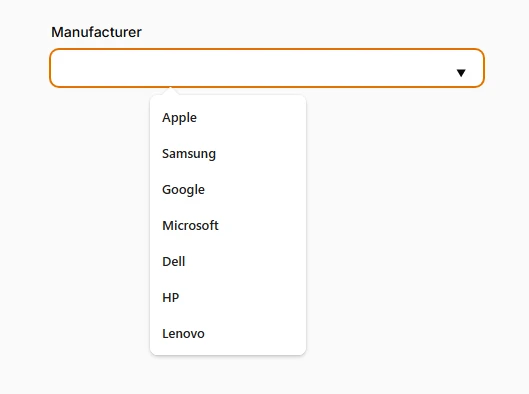
Provide intelligent suggestions while maintaining user freedom to enter custom values. Datalist creates a dropdown of suggestions that doesn't restrict input, perfect for manufacturer names, categories, or frequently used values.
TextInput::make('manufacturer')
    ->datalist([
        'Apple',
        'Samsung',
        'Google',
        'Microsoft',
        'Dell',
        'HP',
        'Lenovo'
    ])
    ->autocomplete('organization')
# Prefix and suffix enhancement
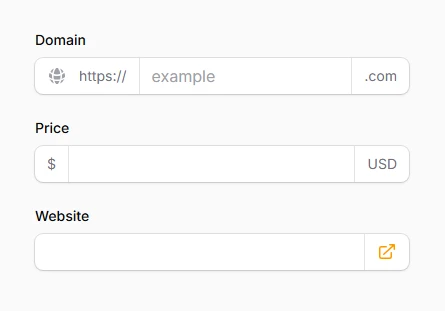
Add contextual visual cues that help users understand expected input format without cluttering the interface. Combine text and icons for maximum clarity while maintaining clean aesthetics.
TextInput::make('domain')
    ->url()
    ->prefix('https://')
    ->suffix('.com')
    ->prefixIcon('heroicon-m-globe-alt')
    ->placeholder('example'),

TextInput::make('price')
    ->numeric()
    ->prefix('$')
    ->suffix('USD')
    ->step(0.01),

TextInput::make('website')
    ->url()
    ->suffixIcon('heroicon-m-arrow-top-right-on-square')
    ->suffixIconColor('primary'),
# Revealable password inputs
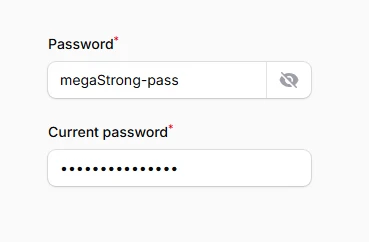
Enhance user experience with togglable password visibility that reduces input errors while maintaining security best practices. Users can verify their input without compromising password field security.
TextInput::make('password')
    ->password()
    ->revealable()
    ->autocomplete('new-password')
    ->minLength(8)
    ->required(),

TextInput::make('current_password')
    ->password()
    ->autocomplete('current-password')
    ->required(),
# Advanced input masking
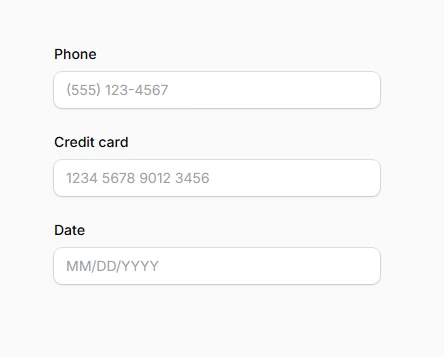
Create formatted input experiences that guide users toward correct data entry while automatically handling formatting. Perfect for phone numbers, credit cards, dates, and custom identifiers with dynamic mask switching.
use Filament\Support\RawJs;

TextInput::make('phone')
    ->mask('(999) 999-9999')
    ->placeholder('(555) 123-4567'),

TextInput::make('credit_card')
    ->mask(RawJs::make(<<<'JS'
        $input.startsWith('34') || $input.startsWith('37')
            ? '9999 999999 99999'
            : '9999 9999 9999 9999'
    JS))
    ->stripCharacters(' ')
    ->placeholder('1234 5678 9012 3456'),

TextInput::make('date')
    ->mask('99/99/9999')
    ->placeholder('MM/DD/YYYY')
# Mobile-optimized input modes
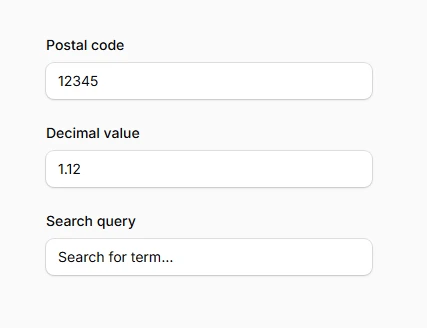
Optimize mobile experience by displaying appropriate keyboards for different input types. This improves user experience on touch devices by showing numeric keypads, email keyboards, or URL keyboards based on expected input.
TextInput::make('postal_code')
    ->inputMode('numeric')
    ->maxLength(10),

TextInput::make('decimal_value')
    ->numeric()
    ->inputMode('decimal')
    ->step(0.01),

TextInput::make('search_query')
    ->inputMode('search')
    ->placeholder('Search products...'),
# Read-only state management
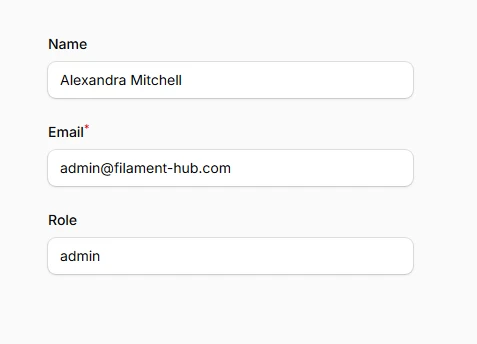
Create informational displays within forms that show related data without allowing modification. Unlike disabled fields, read-only fields participate in form submission while preventing user editing.
TextInput::make('account_id')
    ->readOnly()
    ->default(fn() => auth()->user()->account->uuid),

TextInput::make('username')
    ->readOnly(fn() => !auth()->user()->can('edit_username'))
    ->required(),

TextInput::make('created_by')
    ->readOnly()
    ->default(fn() => auth()->user()->name)
# Comprehensive validation rules
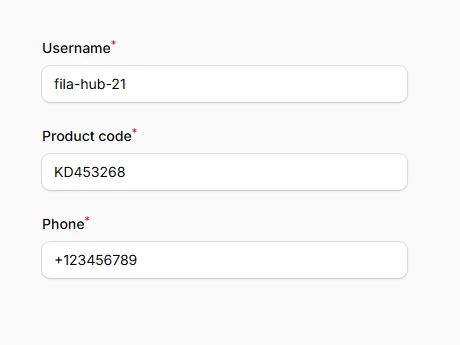
Implement robust data validation with both frontend and backend enforcement. Combine length limits, value ranges, and custom patterns for bulletproof data integrity.
TextInput::make('username')
    ->required()
    ->minLength(3)
    ->maxLength(20)
    ->regex('/^[a-zA-Z0-9_]+$/')
    ->unique('users', 'username'),

TextInput::make('product_code')
    ->required()
    ->length(8)
    ->regex('/^[A-Z]{2}[0-9]{6}$/')
    ->placeholder('AB123456'),

TextInput::make('phone')
    ->tel()
    ->telRegex('/^\+?[1-9]\d{1,14}$/')
    ->required()
# Character stripping and trimming
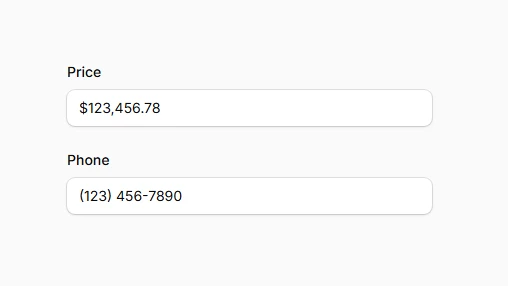
Ensure clean data entry by automatically removing unwanted characters and whitespace. Essential for formatted inputs where display formatting shouldn't affect stored values.
TextInput::make('price')
    ->mask('$999,999.99')
    ->stripCharacters(['$', ','])
    ->numeric(),

TextInput::make('phone')
    ->mask('(999) 999-9999')
    ->stripCharacters(['(', ')', ' ', '-'])
    ->tel(),