
Infolists
Use Infolists to display structured, readable data with minimal setup and maximum clarity. Ideal for read-only views, detail pages, and summaries, Infolists offer text entries, image blocks, icon indicators, code displays, and dynamic formats. Learn how to stylize content, manage state visibility, and integrate repeatable entries and color-coded indicators for a polished data presentation.
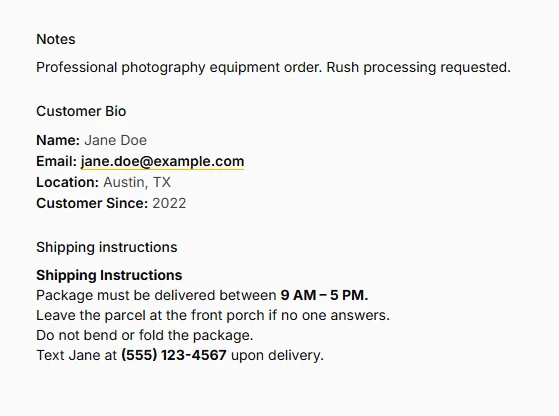
Text Entry
Transform raw data into beautifully formatted, interactive text displays that enhance user comprehension and provide meaningful visual context. From simple string presentation to sophisticated badge systems...
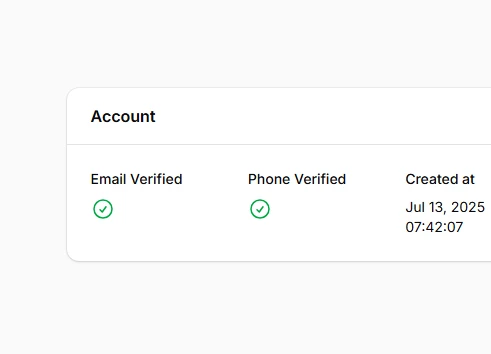
Icon Entry
Icon entries provide visual status indicators that transform raw data values into meaningful, contextual icons. Whether displaying simple boolean states with check/cross icons or complex workflow...

Image Entry
Transform how you display images in your info lists with powerful rendering capabilities that go far beyond basic image display. From elegant stacked avatar galleries to secure private image handling...
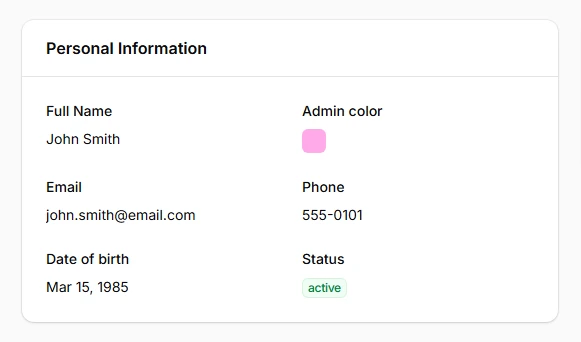
Color Entry
The color entry provides an elegant way to display color values in your info lists, showing visual color previews alongside the actual CSS color values. Supporting all major color formats...
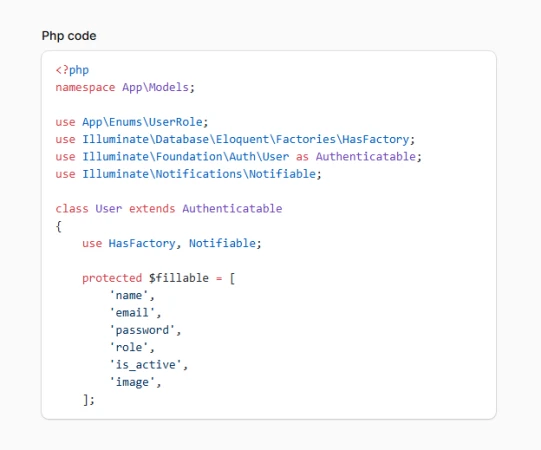
Code Entry
Transform your raw code data into beautifully syntax-highlighted presentations that rival the best developer tools. Powered by Phiki's server-side highlighting engine...
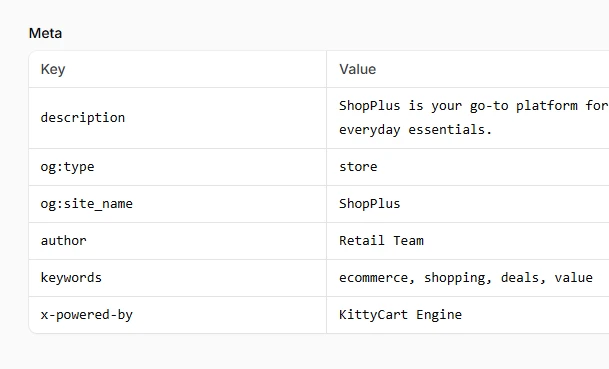
Key-value Entry
Transform complex JSON objects and PHP arrays into clean, readable key-value presentations that make structured data immediately accessible to users. The key-value entry component intelligently renders...
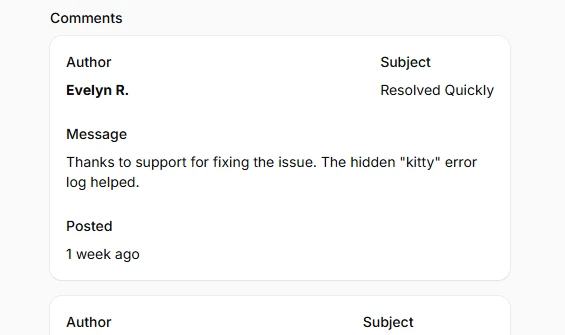
Repeatable Entry
The RepeatableEntry component transforms how you display collections of related data in Filament Info Lists, turning complex arrays and relationships into organized, readable presentations...